I will not upload a client walkthrough to somebody else's cloud. Not again.
Record, trim, export on your computer. We can't leak what we never had. Free to start. Pro and Lifetime if you want more. No cloud copy of the video.
We can’t leak what we never had.
What this is: PrivateTake — local-first private screen recorder that never sees your screen.
Who it’s for: People who need to record screens without cloud snooping or creepy upload defaults.
Problem it solves: Most recorders upload or process your private screen off-device.
What you get: A local-first recorder: capture stays on your machine by design.
Why get it now: Record the next sensitive walkthrough privately — switch before the next call.
- Free after Google + 2FA (record unlimited on your disk)
- Free exports include a PrivateTake watermark — Pro removes it
- No upload · Webcam PiP you can drag anywhere
- Only account email + billing touch our servers
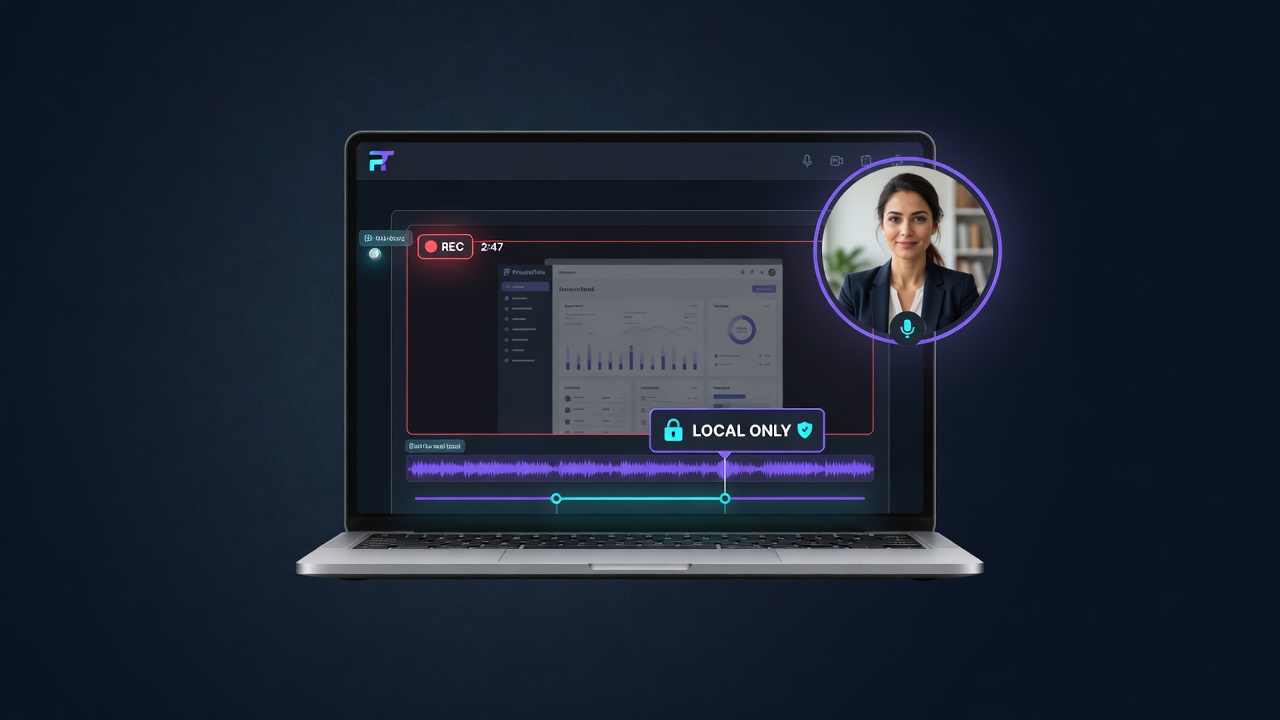
How it works
Three steps. No cloud project files. No recovery of your footage by us — because we never receive it.
Capture locally
Browser APIs capture screen + mic + webcam. Chunks write continuously to your device storage—not our API.
Polish on-device
Trim locally, add timed blur/pixelation covers, place titles, and export without uploading your recording.
Export to your disk
Download WebM/MP4 to your computer. Share via Drive/Dropbox/S3 you control later — not our CDN.
Built for people who can’t risk a leak
Healthcare, legal, finance, support, developers, marketers in customer accounts — and creators who simply refuse cloud-first tools for sensitive demos.
Free recorder
Screen/tab/window, mic, system/tab audio when supported, webcam PiP, pause, trim, and watermarked WebM export.
Picture-in-picture
Pick a camera, drag anywhere, resize, circle/rect shapes. Free live bubble; Pro separate track & post-edit.
Privacy zones (Pro)
Blur emails, balances, keys, and notifications before or after the take. Hide sensitive info before it becomes the recording.
On-device captions
Generate editable timed captions with a local Whisper model. Speech stays on your machine without cloud caption processing.
Cursor polish (roadmap)
Planned auto zoom and cursor smoothing will make tutorials look intentional without cloud processing.
BYO storage (roadmap)
Share through Google Drive, Dropbox, OneDrive, or your S3 — PrivateTake still doesn’t keep the file.
Pricing
No video hosting costs for us means fair seats for you. Annual plans recommended for local utilities.
What we store on our servers
Account email, subscription status, license/entitlements, optional anonymous diagnostics, affiliate attribution.
Recordings, audio, transcripts, screenshots, editing projects, exports, captured screen contents.
Free recorder works offline after load. Network panel shows no video uploads. Architecture: zero video retention.